Communication
Sending messages related to a specific request is possible by clicking on the link Messages related to the requisition.

Also, if there are already messages on the request, they will be displayed in the window.
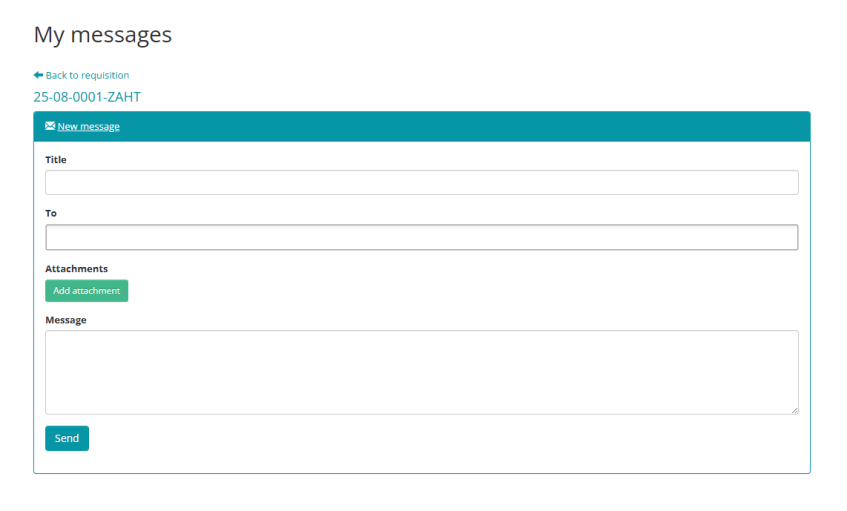
After entering the message's title, recipient, and text, click the Send button to send it.
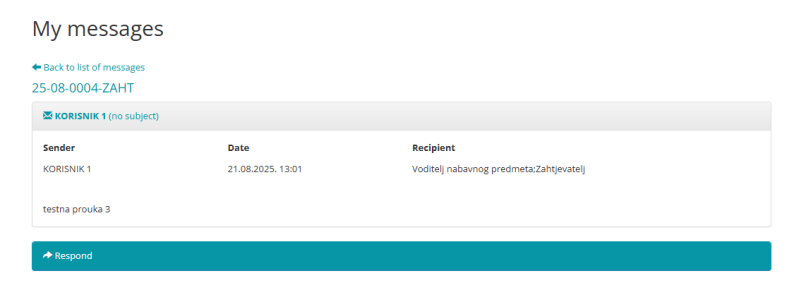
Messages can also be viewed by clicking on the Messages icon  , which opens a list of all received and sent messages for all Requests.
