Internal clients Portal login
User name and email address, as well as the role Internal Client, must be assigned by the portal administrator for users to log into the Internal Client Portal.
When logging in for the first time, users must reset the password by clicking the Forgot Password link below the login form.
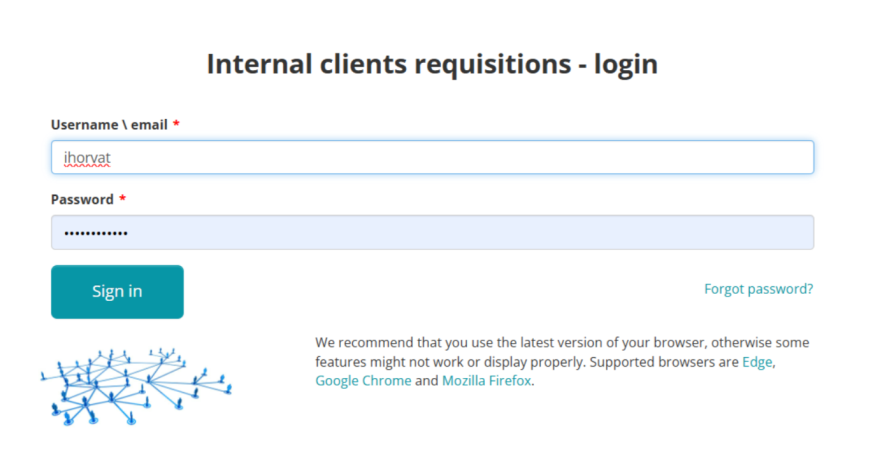
After selecting the previous mentioned option, a screen will appear in which you need to enter your username and click the Send button.
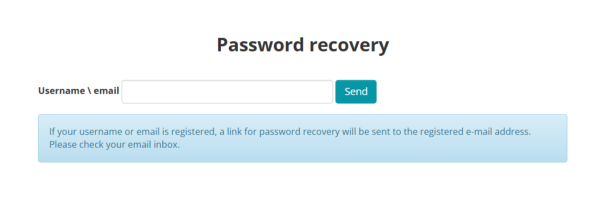
A password reset link will be sent to your registered e-mail address.
When you click the link, a password entry screen will appear; enter the same password in the first and second fields, then click Reset Password.
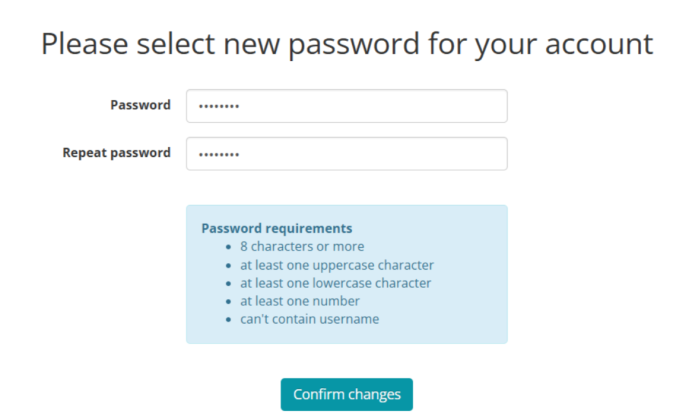
Once the password is set, you can log in to the Portal using the user name and your new password.

Next: Start page and settings.