Notification settings
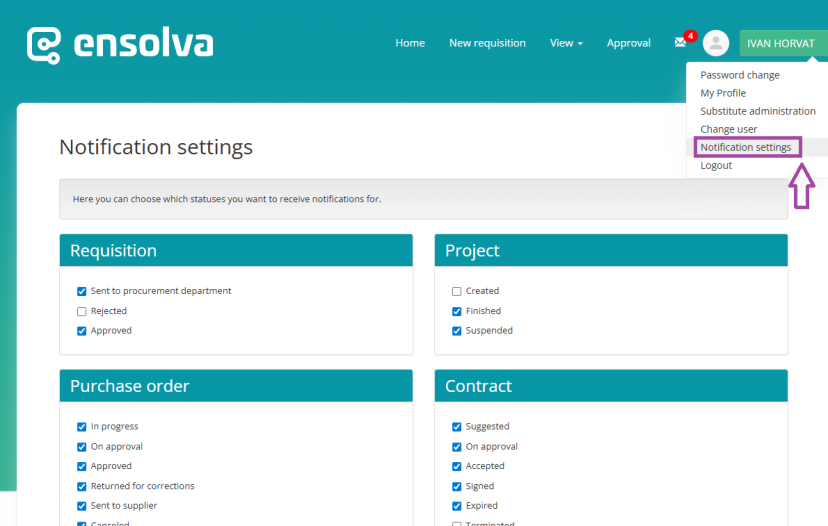
By clicking the “Notification Settings” button from the dropdown menu under the user’s name a menu opens where you can select, according to your needs, the statuses for which you want to receive notifications.
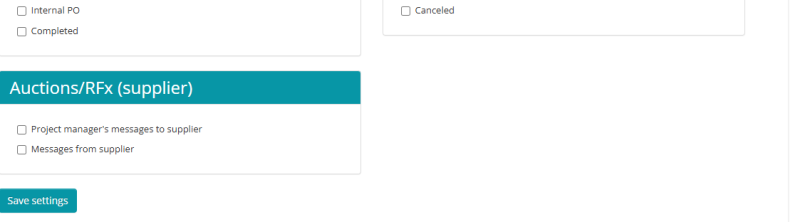
After selecting the desired fields, click “Save Settings.”