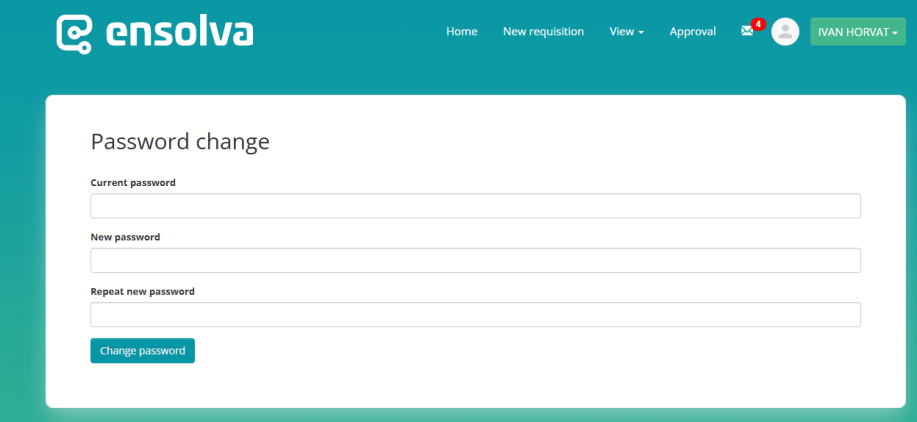
Password change
By clicking the “Change Password” button in the dropdown menu under your name, a field opens where you can change your current password by first entering the one you initially set.
If the password is forgotten, this procedure does not apply; instead, you need to click the “Forgot Password” link on the login page, after which a link to reset the password will be sent to your registered email address.